Frequently Asked Questions
Answers to the questions developers ask most about Permit.io.
We add questions to this page as they come up in the community.
What is Permit.io?
Permit.io is an authorization platform for apps, APIs, and AI agents. You model roles, attributes, and relationships
in the Permit UI or as code, and enforce them with a permit.check() call from your application.
Checks are answered by a policy decision point (PDP), a microservice built on open-source policy engines (OPA and Cedar) that runs next to your services. Permit generates your policy as code and can push it to your own Git repository.
Beyond enforcement, Permit ships the access-control experiences your users and team need: user management, access requests and approvals, and audit logs.
What is the difference between Authentication and Authorization?
Authentication and authorization are closely related, but they answer different questions.
Picture a person at the front door of your house:
Authentication identifies who is at the door and decides whether they can come in.
Authorization starts once they are inside and decides what they can do there: open the fridge, sleep in your bed, read your diary.
In short:
- Authentication (AuthN): who is the user
- Authorization (AuthZ): what is the user allowed to do
Is there a free version of Permit.io?
Yes. The free tier includes all features for up to 1,000 monthly active users, with no credit card required. See the pricing page for paid tiers.
What's the difference between OPA and OPAL and Permit.io?
OPA (Open Policy Agent) is a general-purpose policy decision engine. OPAL (Open Policy Administration Layer) is an open-source project that keeps policy engines up to date with policy and data in real time, by pushing event-driven updates to them.
Permit.io is the authorization platform built on top of them. It covers the infrastructure (policy engines, SDKs, APIs), the back office your team uses to manage policy, and the end-user interfaces (user management, access requests, audit logs). OPA and OPAL are a core part of that infrastructure. Permit also supports Cedar as a policy engine.
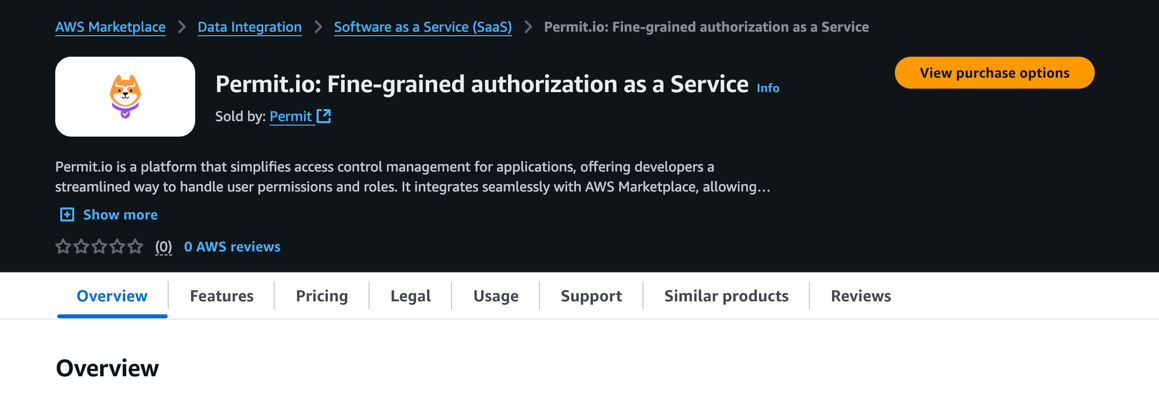
Can I subscribe to Permit.io via the AWS Marketplace?
Yes. See the Permit product page on AWS Marketplace.
Can I use other policy-agents with Permit.io (e.g. OSO, Casbin)?
The Permit PDP supports OPA and Cedar. To discuss other policy engines, ask in our Slack community or email support@permit.io.
Can I Connect my FGA/Google-Zanzibar solution with Permit.io (e.g. AuthZed, Ory Keto, Auth0 Sandcastle)?
Permit supports relationship-based access control (ReBAC) natively. To discuss connecting an existing FGA or Zanzibar-style system, ask in our Slack community or email support@permit.io.
When the tenant does not represent an end-customer company, then what does it represent?
A tenant can be a customer company you serve, or a company that your own organization owns and manages internally.
Can Permit help me create an app with multiple companies (tenants), where the admins of each company can invite and manage other users?
Yes. Here is how each part maps to Permit:
-
Multi-tenancy: Tenants are a first-class concept in Permit. You define tenants and assign users to them in the UI or the API, and map each tenant (or group of tenants) to a company in your app.
- When you check permissions within a tenant, pass the tenant ID as part of the resource.
- If your app identifies companies by subdomain, pass the subdomain (or a UUID you derive from it) as the tenant ID.
- A user can be assigned to multiple tenants. Use the same user key for every tenant.
-
Roles: Define as many roles as you need in the UI or the API, and assign them to users in any tenant. A user can hold more than one role.
-
End-user management interface: Let your customers' admins manage their own users by building a UI on the Permit API, or embed Permit Elements, customizable UI components for user management, access requests, and audit logs.
-
Storing user profiles: Permit can store arbitrary user attributes, but we recommend syncing only the data your policies need and keeping the rest in your application database. Use the same user ID in your database and in Permit, usually the unique ID from your authentication provider.
Within team management, I can add new people to the team, but not assign them any other role, apart from Admin.
Authorization for authorization is hard because it is recursive: someone needs permission to grant permissions. Permit Elements addresses this for your end users, with embeddable UI components that let you delegate permission management safely.
What does SET AS ACTIVE ENVIRONMENT do? If I set dev as active does it suppress API calls using production secret keys?
No. It only sets which environment you're viewing in the Permit UI. For example, the Policy Editor then shows the policy, roles, and permissions for that environment. It is the same as picking an environment from the dropdown in the top navigation bar. API calls are scoped by the API key you use, not by the active environment.
How can I create an incremental live feed from the activity API without duplicates?
Timestamps are stored with millisecond precision. Fetch logs through the API with timestamp_from and timestamp_to, then deduplicate on your side using the unique ID of each activity log entry.
Real World Questions
These questions come from our Slack community and reflect common dilemmas. Each question is quoted verbatim.
Why can't I just use the AuthZ with my framework (NestJS) ?
Question:
I am product owner for a SaaS software. Our developers prefer to always custom built solutions. We have some basic multi-tenant user permission management that one developer made over 3 months time that is no longer sufficient. To rebuild it to our current needs it would take 2-3 months. I'm looking for solutions that could speed this up. But our lead developer is skeptical that anything can speed it up. His response was "NestJS has a really good system for permissions & roles, so there is no need for external service, just for this".How would you respond so I can convince him to look into Permit.io anyway?
Answer:
- Performance as policy grows. NestJS authorization (CASL under the hood) works well for basic roles. Once you need attributes or relationships (ABAC or ReBAC), you end up storing and querying roles and attributes in your database on every check. A policy engine such as OPA keeps policy and data in memory and evaluates locally. Permit runs OPA inside its policy decision point (PDP), next to your services.
- Experiences, not only enforcement. Without a separate policy layer, every new requirement means refactoring access-control code. With the Permit Policy Editor and embeddable UI components, you change policy without changing code, and you can delegate parts of it to product managers, support, security, and your own customers.
- Authorization is a deep problem. Consider authorization for authorization: who can grant the permission to assign permissions? As with authentication and encryption, rolling your own is risky unless you know the problem space well. Mistakes cost refactoring time and can become security issues.
If you do build it yourself, start with these talks:
Then build your authorization microservice on a mature policy engine such as OPA or AWS Cedar. You can layer NestJS (through CASL) on top of it; Permit also provides a CASL integration. To talk it through with your team, book time with a Permit engineer.